
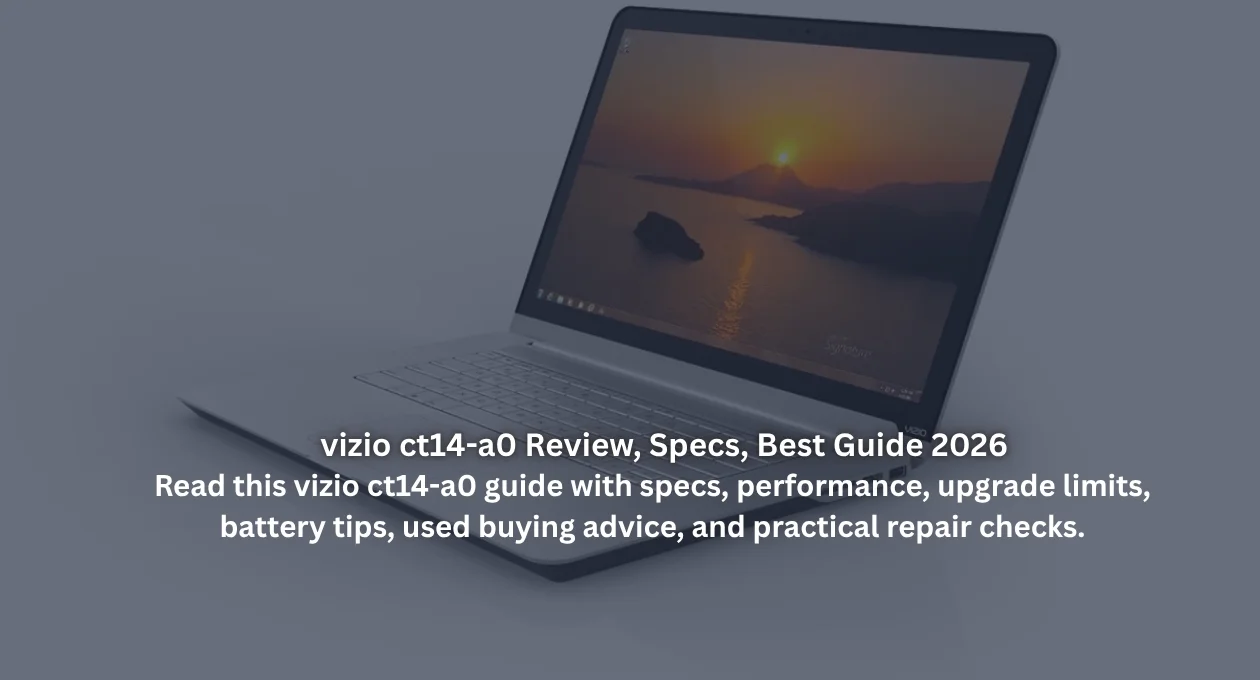
Vizio CT14-A0 Review and Buying Guide for 2026
The vizio ct14-a0 still attracts attention because it came from an unusual place: a TV brand trying to build a serious ultrabook. That curiosity matters, but nostalgia alone won’t help you buy, repair, or use one wisely. This guide from The Tek Zio explains the real strengths, hidden compromises, upgrade limits, and security concerns around this slim machine. Think of it as a calm bench test, not a shiny sales brochure.
Better yet, this article looks beyond the spec sheet. Older laptops often create a foggy buying decision because sellers highlight the premium metal shell while ignoring battery decay, unsupported software, and weak upgrade paths. Therefore, the goal here is simple: help you decide whether this compact Vizio still deserves space on your desk, in your repair drawer, or inside your backpack.
| Quick spec | Detail |
| Processor | Intel Core i3-3217U, 2 cores, 4 threads, 1.80GHz |
| Graphics | Intel HD Graphics 4000 |
| Memory | 4GB DDR3 RAM |
| Storage | 128GB SSD |
| Display | 14-inch, 1600 x 900 resolution |
| Weight | Around 3.4 pounds |
| Ports | 2 USB 3.0, HDMI, 3.5mm audio |
| Original OS | Windows 7 Home Premium 64-bit |
The table summarizes specification details reported by MobileTechReview, Notebookcheck, and Intel’s official processor database. (MobileTechReview)
Vizio CT14-A0 Quick Overview for 2026
Surprisingly, the vizio ct14-a0 feels more interesting today than many forgotten budget laptops from the same period. Its 14-inch ultrabook profile, aluminum unibody, and 1600 x 900 display gave it a premium aura in 2012, especially when many rivals still used dull 1366 x 768 panels. MobileTechReview listed the A0 model with a Core i3-3217U, 4GB RAM, and a 128GB SSD, which made it a lean productivity machine rather than a plastic bargain-bin notebook. (MobileTechReview)
However, age changes the conversation in a hurry. This model no longer fits demanding workloads, yet it can still handle light writing, offline media, basic browsing, and Linux experiments when you keep expectations sensible. Buyers should treat it like a tidy vintage notebook rather than a modern daily driver. Its charm sits in portability and clean design, while its bottlenecks sit in soldered RAM, older wireless hardware, limited ports, and battery wear.
Design and Build Quality
Instantly, the vizio ct14-a0 gives a better first impression than its brand history might suggest. Notebookcheck describes the CT14 chassis as an anodized aluminum design, while ABC News praised its thin 0.7-inch profile and easy one-hand portability. That matters because many old laptops feel creaky after years of hinge stress. Here, the thin-and-light laptop identity still looks purposeful, especially beside chunky budget notebooks from the same generation, and the restrained styling has aged better than many glossy plastic designs. (Notebookcheck)

Still, that elegant shell carries a few quirks that daily users will notice. Sharp front edges can make the lid annoying to open, and the plastic keyboard area doesn’t feel as posh as the metal exterior. For example, if you type long essays, the shallow keyboard may feel like drumming on a bento tray. Even so, the CT14-A0 remains a handsome lightweight notebook for collectors, students on tiny budgets, or repair hobbyists.
Display Quality and Real Screen Experience
Interestingly, the screen gives the vizio ct14-a0 its biggest “wait, that’s not bad” moment. It uses a 14-inch 1600 x 900 panel, which offers more workspace than common 768p laptops from its era. MobileTechReview called the display very good, while ABC News said it beat many machines in its price range. For spreadsheets, PDFs, dashboard tools, and side-by-side notes, that extra pixel space still feels useful because the screen shows more rows, panels, and menus without constant scrolling. (MobileTechReview)
However, panel reporting isn’t perfectly uniform across reviews, and that detail matters for used buyers. Notebookcheck identified its tested panel as a glossy TN LED unit, so buyers shouldn’t assume every listing has wide viewing angles or perfect color. In plain English, check the actual screen before paying. Tilt it, lower brightness, open a white webpage, and look for backlight bleed, yellowing, dead pixels, uneven tint, or a wobbly hinge.
Performance with Intel Core i3-3217U
Under the hood, the vizio ct14-a0 uses the Intel Core i3-3217U, an Ivy Bridge mobile processor with 2 cores, 4 threads, 1.80GHz base frequency, and a 17W TDP, according to Intel’s own specifications. That chip was built for efficient mobile computing, not muscular creative work. It can run documents, older apps, and light web tasks, but heavy multitasking quickly feels like walking through wet cement, especially when several browser tabs compete for memory. (Intel)
Meanwhile, Intel HD Graphics 4000 gives this laptop enough graphics power for video playback and old casual games, but not modern gaming, 4K editing, or GPU-heavy software. PCWorld made a similar point about CT14 gaming performance in the higher CT14-A2 configuration. Therefore, keep expectations modest. This laptop suits focused, low-friction tasks, especially when you avoid bloated startup apps, animated browser extensions, and tab hoarding. In other words, let it sprint in short lanes rather than forcing it into a marathon. (PCWorld)
Storage, RAM, and Upgrade Limits
Crucially, the biggest ceiling isn’t the processor. It’s memory. MobileTechReview notes that the vizio ct14-a0 has 4GB DDR3 RAM soldered to the motherboard, meaning you can’t simply add another stick later. That single fact should guide every buying decision. With modern browsers gobbling memory like popcorn, 4GB RAM turns from “usable” into “be careful” very quickly, especially on Windows with background services running, antivirus scans active, and modern websites loading heavy scripts. (MobileTechReview)
On the brighter side, the included 128GB SSD helps the system feel snappier than old hard-drive laptops. Still, SSD health matters after more than a decade of heat, writes, and neglected firmware. Before buying, ask for a CrystalDiskInfo screenshot or test the drive yourself. If the SSD is replaceable in your unit, fresh storage can revive boot times, reduce freezes, and make the CT14-A0 feel less antique during boot, app launches, and simple file transfers.
Ports, Connectivity, and Missing Features
Practically, the port selection keeps things simple without feeling completely barren. The vizio ct14-a0 includes two USB 3.0 ports, a full-size HDMI port, and a 3.5mm audio jack, according to MobileTechReview and Notebookcheck. That setup covers a mouse, flash drive, external monitor, and headphones. For a thin laptop from 2012, this wasn’t bad. It just wasn’t generous enough for photographers, office dock users, or wired-network loyalists who prefer everything connected at once. (MobileTechReview)
Unfortunately, Vizio skipped a few conveniences that still sting in 2026. There’s no built-in Ethernet, and MobileTechReview reported no SD card slot on the A0 model. Wi-Fi and Bluetooth depend on older Atheros hardware, so network performance can feel pedestrian beside modern Wi-Fi 6 laptops. A cheap USB card reader or USB Ethernet adapter solves some issues, but dongles make any minimalist machine feel like an octopus.
Battery Life, Heat, and Fan Behavior
Honestly, battery life now depends less on the original promise and more on battery age. Vizio claimed up to 7 hours for the CT14 line in period reviews, while Notebookcheck lists a 51Wh lithium-polymer battery for the CT14-A0. After years of charge cycles, however, a used unit may last far less. Battery health beats brochure numbers every time, so treat seller claims with polite suspicion and ask for a real runtime test. (MobileTechReview)
Likewise, heat deserves attention before purchase because slim metal laptops hide problems gracefully. Dust, old thermal paste, weak fans, and swollen batteries can turn a bargain into a headache. Run a video, open several tabs, and watch for sudden shutdowns, grinding fan noise, or keyboard hot spots. If this Vizio gets scorching near the hinge or underside, budget for internal cleaning before trusting it for long sessions, especially if the machine will sit on fabric, bedding, or a warm desk.
Software, Security, and Safe Daily Use
Most listings mention Windows 7 because the vizio ct14-a0 originally shipped with Windows 7 Home Premium 64-bit. That creates a serious 2026 issue. Microsoft states Windows 7 support ended on January 14, 2020, which means regular security updates no longer protect everyday users. A pretty old laptop can become a digital unlocked door if it browses risky sites, stores passwords, or handles private work files. In security terms, unsupported software doesn’t merely feel old; it changes the risk profile. (Microsoft Learn)
Therefore, safer use needs a plan before the first login. A lightweight Linux distribution can make sense if you mainly write, browse carefully, and stream modest video. Alternatively, keep Windows 7 offline for legacy software only. The Tek Zio would treat the vizio ct14-a0 as a secondary machine, not a banking laptop. Use updated browsers where supported, avoid unknown downloads, and never store sensitive passwords on an unsupported system.
Used Buying Checklist and Best-Fit Users
Before handing over cash, inspect the vizio ct14-a0 like a tiny detective with a screwdriver dream. Check hinge firmness, keyboard response, trackpad clicks, speaker crackle, screen brightness, Wi-Fi stability, charger fit, and USB port grip. Also verify the exact model label because CT14-A0, CT14-A1, and CT14-A2 can look similar while using different processors and storage options. Small labels prevent big regrets when listings use sloppy titles.

Realistically, this laptop suits collectors, tech tinkerers, students needing a cheap writing machine, or users who enjoy lightweight Linux projects. It can also work as an offline document laptop, a media controller, or a practice device for basic repairs. Skip it for modern gaming, professional editing, heavy Chrome use, coding with large toolchains, or secure business work. Newer refurbished business laptops usually offer longer support and better batteries.
5 FAQs About Vizio CT14-A0
Is the vizio ct14-a0 good in 2026?
Yes, but only for light tasks.
Can you upgrade its RAM?
No, the RAM is soldered.
Does it have an SSD?
Yes, the A0 commonly includes a 128GB SSD.
Is Windows 7 safe on it?
Not for normal internet use because Microsoft support has ended.
Should you buy one used?
Yes, if the price is low, the battery works, and the screen looks clean. Otherwise, choose a newer refurbished laptop with stronger security updates. The vizio ct14-a0 remains lovable, but it’s not magic, and smart buyers should keep one eye on repair costs, battery availability, and the true price of making an old machine dependable.


