
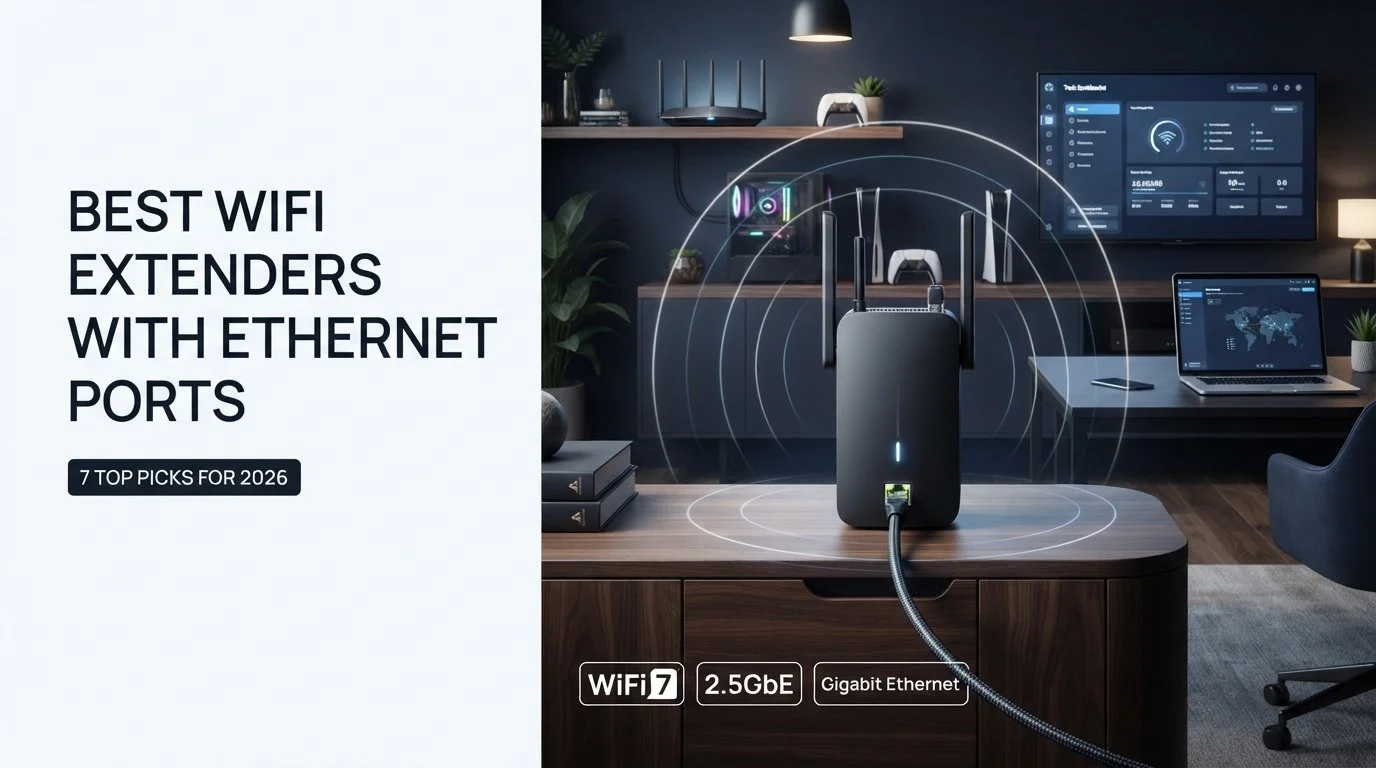
A WiFi range extender with Ethernet port can do something that regular wireless range extender cannot – it extends the network and provides a wired connection for your computer, gaming console, smart TV or office computer.
The critical thing here is to get the right Ethernet connectivity capabilities. There are WiFi extenders with Gigabit or 2.5Gbps ports and more affordable models with 100Mbps Ethernet port. The other thing to consider is whether or not you need an access point mode when a wired connection from the router is used to feed the WiFi network created by the extender.
This guide will review seven of the best WiFi extenders with Ethernet ports available in 2026 and will help you choose which WiFi extender suits you best depending on your needs for gaming, streaming, office usage, large house or budget setup.
Important thing to remember: if you have a fast internet package or need to connect a gaming PC, console or smart TV via cable, make sure that the Ethernet port is fast enough since the extender itself could be providing much faster WiFi connection.
How We Compared These WiFi Extenders
These models have been assessed using their listed specifications, which include Wi-Fi generation, Ethernet speed, operating modes, wireless bands, and features like EasyMesh/AiMesh technology, amongst others. The type of users that would best suit each model has also been taken into consideration, ranging from those who require cheap models to those requiring multi-gigabit networks at home.
The performance of routers is likely to differ depending on the router, client device used, location, presence of interference, construction of buildings, and network conditions.
Quick Comparison: Best WiFi Extenders with Ethernet Ports
| WiFi Extender | WiFi Generation | Ethernet Port | Best For |
|---|---|---|---|
| TP-Link RE655BE | WiFi 7 | 2.5GbE | Best overall |
| TP-Link RE653BE | WiFi 7 | 2.5GbE | High-speed wired setups |
| TP-Link RE715X | WiFi 6 | Gigabit | Best value |
| ASUS RP-AX58 | WiFi 6 | Gigabit | ASUS/AiMesh users |
| NETGEAR EAX17 | WiFi 6 | Gigabit | NETGEAR users |
| TP-Link RE615X | WiFi 6 | Gigabit | Mid-range |
| TP-Link RE220 | WiFi 5 | 100Mbps | Budget users |
Important: WiFi speeds are theoretical maximums. Actual WiFi extender speed is contingent on a number of factors including the router used, the client, interference, distance, and more.
RE655BE is equipped with 2.5Gbps Ethernet port and WiFi 7 tri-band, while the RE653BE offers 2.5Gbps LAN port and WiFi 7. TP-Link
What Is a WiFi Extender with an Ethernet Port?
A WiFi extender is designed to improve wireless coverage in areas where the main router’s signal becomes weak. An extender with an Ethernet port adds another useful option: it can provide a wired network connection to compatible devices.
This can be useful when a device does not have a strong WiFi connection but is located near the extender.
Common examples include:
- Desktop PCs
- PlayStation and Xbox consoles
- Smart TVs
- Streaming devices
- Network printers
- Office computers
- Security or smart-home equipment
Depending on the model and operating mode, the Ethernet port can also be used to connect the extender to a wired network and create a new wireless access point.
That distinction matters because an Ethernet port does not automatically mean that every extender supports every type of wired-backhaul configuration. Always check the manufacturer’s supported modes before buying.
Ethernet Output vs Ethernet Input: What’s the Difference?
Ethernet Output
In a range‑extender setup the extender talks to the main router over the air and then offers an Ethernet link to a wired device.
For example you might put an extender close to a gaming console. Then connect the console to the extender with an Ethernet cable.
In this setup the wireless link remains between the router and extender. The Ethernet connection remains between the extender and the device.
Ethernet Input / Wired Backhaul
In an access‑point arrangement the Ethernet cable runs from the router or from the wired network to the extender. The extender then uses that wired link to give WiFi coverage.
This can be handy if you already have Ethernet cabling in your home and wish to add WiFi coverage to another room or floor.
For example:
Router → Ethernet cable → Extender → WiFi devices
This can help avoid depending on a link between the router and the extender but the exact features depend on the operating modes that the extender supports.
TP‑Links RE655BE and RE653BE both support 2.5Gbps Ethernet connectivity. Models such, as the RE615X and RE715X on the hand deliver Gigabit Ethernet and access‑point functionality.

1. TP-Link RE655BE — Best Overall WiFi Extender with Ethernet Port
If you want one of the best WiFi extenders with Ethernet ports, the TP-Link RE655BE is one of the strongest options in this list.
It uses tri-band WiFi 7 and provides a 2.5Gbps Ethernet port for compatible wired devices. TP-Link lists support for the 6GHz, 5GHz and 2.4GHz bands, with combined wireless rates of up to 10.8Gbps. The 2.5G Ethernet connection can be used with PCs, game consoles, smart TVs and other wired devices. TP-Link
Key features
- WiFi 7
- Tri-band wireless
- 6GHz support
- 5GHz and 2.4GHz support
- 2.5Gbps Ethernet port
- Multi-Link Operation
- EasyMesh support
Best for
The RE655BE makes the most sense for users with newer WiFi 7 devices, multi-gig internet, gaming systems or demanding home networks where a 2.5Gbps wired connection is useful.
Our take: Best overall choice if you want a modern WiFi 7 extender and don’t want the Ethernet port to become an immediate limitation.
2. TP-Link RE653BE — Best for Wired Backhaul
The TP-Link RE653BE is another high-end WiFi 7 option. It combines tri-band WiFi with a 2.5Gbps Ethernet port and supports 6GHz, 5GHz and 2.4GHz connectivity.
TP-Link lists combined wireless speeds of up to 10.2Gbps and specifically shows the 2.5Gbps port being used for PCs, game consoles and smart TVs. It also supports access-point mode, allowing the Ethernet connection to feed its wireless network. TP-Link
Key features
- WiFi 7
- Tri-band
- 6GHz support
- 2.5Gbps LAN
- Access Point mode
- EasyMesh compatibility
- Multi-Link Operation
Best for
It is a strong choice for larger homes, high-speed wired connections and users who already have Ethernet cabling available.
Our take: A particularly interesting option if your priority is combining modern WiFi 7 with a fast wired connection.
3. TP-Link RE715X — Best WiFi 6 Value
The TP-Link RE715X is aimed at users who want strong WiFi 6 performance without moving to a premium WiFi 7 extender.
It supports dual-band WiFi 6 with up to 2402Mbps on 5GHz and 574Mbps on 2.4GHz. It also includes a Gigabit Ethernet port and access-point mode. TP-Link
Key features
- WiFi 6
- Up to AX3000-class wireless rates
- 2402Mbps on 5GHz
- 574Mbps on 2.4GHz
- Gigabit Ethernet
- Access Point mode
- EasyMesh support
Best for
The RE715X is a good fit for homes that already use WiFi 6 and need better coverage plus a wired Ethernet option.
Our take: A practical middle ground between basic WiFi extenders and expensive WiFi 7 models.
For buyers looking for the best WiFi extenders with Ethernet ports without moving to WiFi 7, the RE715X is a practical option.
4. ASUS RP-AX58 — Best for ASUS AiMesh Users
ASUS’s RP-AX58 is a WiFi 6 range extender designed especially well for users already invested in the ASUS ecosystem.
ASUS lists AX3000-class performance, with up to 2402Mbps on 5GHz and 574Mbps on 2.4GHz. It has one Gigabit Ethernet port and supports range extender, access point and media bridge modes. It is also compatible with ASUS AiMesh. ASUS Global
Key features
- WiFi 6
- AX3000
- Gigabit Ethernet
- Range Extender mode
- Access Point mode
- Media Bridge mode
- AiMesh support
Best for
ASUS router owners who want to build or expand an AiMesh-compatible network.
Our take: Particularly attractive if your existing network already uses ASUS equipment.
5. Netgear EAX17 — Best for Netgear Users
The NETGEAR EAX17 is an AX3000 dual-band WiFi 6 extender designed for users who want extended coverage while retaining a wired Ethernet option.
NETGEAR lists wireless speeds of up to 3Gbps and includes one Gigabit Ethernet port for connecting wired devices. The company also lists Smart Roaming and support for WPA3 security. Netgear
Key features
- WiFi 6
- AX3000
- Up to 3Gbps wireless speed rating
- Gigabit Ethernet
- Smart Roaming
- WPA3 support
- 1.3GHz dual-core processor
Best for
Existing NETGEAR users who want to extend their network and connect a wired device such as a gaming console, PC or smart TV.
Our take: A solid choice for users who prefer staying within the NETGEAR ecosystem.
6. TP-Link RE615X — Best Mid-Range Option
The TP-Link RE615X is a practical choice for anyone looking for a WiFi extender with an Ethernet port without moving into the premium WiFi 7 category.
It supports up to 1.8Gbps combined wireless rates, with 1201Mbps on 5GHz and 574Mbps on 2.4GHz. TP-Link also includes a Gigabit Ethernet port and Access Point mode. TP-Link
Key features
- WiFi 6
- AX1800
- Gigabit Ethernet
- EasyMesh compatibility
- Access Point mode
- Smart Roaming
- 1201Mbps 5GHz + 574Mbps 2.4GHz
Best for
Home offices, smart TVs, computers, gaming consoles and general streaming setups.
Our take: One of the better choices when you want Gigabit Ethernet without paying for a premium WiFi 7 model.
7. TP-Link RE220 — Best Budget Option
The TP-Link RE220 is the budget choice in this comparison. It uses WiFi 5 and offers dual-band wireless connectivity with a basic 10/100Mbps Ethernet port.
TP-Link specifically states that the Ethernet port can work as a wireless adapter for wired devices and can also be used for access-point functionality. TP-Link
Key features
- WiFi 5
- AC750
- 2.4GHz and 5GHz
- 10/100Mbps Ethernet
- Range Extender mode
- Access Point mode
- Compact design
Best for
Basic browsing, older devices and users who need inexpensive coverage expansion.
Important limitation: The 100Mbps Ethernet port can slow things down when you have internet plans or devices that need a strong wired connection. If you have gigabit internet a Gigabit or 2.5Gbps Ethernet model will work better.

Which WiFi Extender Is Best, for Your Setup?
| Your situation | Best choice |
|---|---|
| Fast WiFi 7 network | TP-Link RE655BE |
| WiFi 7 + wired multi-gig connection | TP-Link RE653BE |
| WiFi 6 + good value | TP-Link RE715X |
| ASUS router/AiMesh | ASUS RP-AX58 |
| NETGEAR ecosystem | NETGEAR EAX17 |
| Mid-range WiFi 6 | TP-Link RE615X |
| Basic budget coverage | TP-Link RE220 |
The “best” model depends on your existing router and devices. A premium WiFi 7 extender makes little sense if your router and client devices are limited to older WiFi standards. Likewise, a 100Mbps Ethernet port may be enough for a basic setup but can limit faster wired connections.
These are the main factors to consider when choosing among the best WiFi extenders with Ethernet ports in 2026.
How to Choose the Best WiFi Extenders with Ethernet Ports
Choosing the best WiFi extenders with Ethernet ports is not just about the advertised WiFi speed.
1. Check Ethernet Speed
The first thing to look at is Ethernet speed. A 100Mbps port might be fine for browsing but Gigabit Ethernet is better for today’s home networks. If your router, internet plan and wired devices can use it a premium model with a 2.5Gbps port is worth the cost.
2. Check Wired Backhaul Support
If you already have Ethernet cabling between rooms look for a WiFi extender that supports access‑point functionality. That way the wired network can feed the WiFi extender’s WiFi network, of depending only on a wireless link to the router.
3. Check WiFi Generation
WiFi 5 is still fine for setups. WiFi 6 brings efficiency and more capacity. WiFi 7 offers technologies and even higher performance but you need compatible client devices to get the most out of WiFi 7.
4. Check Router Compatibility
Before buying, check whether the extender works with your router and whether features such as EasyMesh or AiMesh are supported. A compatible ecosystem can make network management and roaming easier.
5. Consider Your Internet Speed
Buying an expensive WiFi 7 extender does not automatically make a slow internet connection faster. Your internet plan, router, client device and network conditions all affect real-world performance.
6. Think About Gaming and Streaming
If the WiFi extender will be near a gaming console, desktop PC or smart TV Ethernet can be useful because it gives a wired connection between that device and the WiFi extender.
If you’re also comparing hardware for a gaming PC see our guide to Ryzen 7 7700 vs Ryzen 5 9600X for a look at two popular desktop processors.
However remember that if the WiFi extender itself connects wirelessly to the router the wireless link still affects performance.
7. Check Access Point Mode
Access Point mode is especially useful, for homes that already have Ethernet wiring. Of receiving the network wirelessly the WiFi extender can use the wired connection to provide WiFi coverage in another area.
WiFi Extender or Mesh WiFi: Which One Should You Choose?
A Wi-Fi extender is generally a more straightforward choice when you only have one or two spots where the signal needs boosting and wish to do so without the need to change your router.
On the other hand, mesh has been created to work with multiple nodes that collectively create one cohesive solution for Wi-Fi coverage in the entire house.
If the problem lies in just one area, an extender with an Ethernet option might be your best option. However, if you are looking for solutions for a large place with several dead zones, you might need to try mesh Wi-Fi.
The best choice depends on your home’s configuration, your existing router, budget, and availability of Ethernet wiring.
Frequently Asked Questions
Which is the best WiFi extender with Ethernet port?
The best high-end WiFi extender from this selection of WiFi extenders would be TP-Link RE655BE as it supports WiFi 7, tri-band connectivity, and 2.5Gbps Ethernet port. However, those who do not require WiFi 7 can opt for Gigabit WiFi 6 extenders.
Can I connect my PS5 to a WiFi extender with Ethernet?
Yes. You can connect the console to the WiFi extender with the help of the Ethernet port in case it is available and can work with wired devices. However, the performance of the connection would depend on the connection between the extender and router.
Is Gigabit Ethernet better than 100Mbps Ethernet in a WiFi extender?
Yes, in case you have such capability in your network and devices. Gigabit Ethernet port has much higher bandwidth than 100Mbps port. For instance, RE615X features Gigabit Ethernet port, while RE220 features 10/100Mbps Ethernet port.
What is the difference between Ethernet input and Ethernet output on a WiFi extender?
When a WiFi extender is used as a wired access point the Ethernet port on the WiFi extender links the WiFi extender to the router or to the network. When a WiFi extender is used as a range extender the Ethernet port can give a wired connection to a device that’s close by. The exact modes that a WiFi extender can use are different for each model.
Is it possible for a WiFi extender to use Ethernet as a backhaul?
Some WiFi extenders can do wired networking or act as an access point. You must read the manufacturer’s documentation, for the model to know which modes are supported. Do not assume that every Ethernet‑equipped WiFi extender can use every type of wired backhaul.
Is a WiFi extender better than a mesh system?
Not always. An extender can be an cheaper solution for a specific weak spot while a mesh system can be better suited for whole-home coverage with multiple nodes.
For people the best WiFi extenders with Ethernet ports are the ones that match the speed and features of their existing router and wired devices.
Final Verdict
The best WiFi extenders with Ethernet ports depends on what you need from your network.
If you want the advanced option the TP-Link RE655BE combines WiFi 7 tri-band connectivity and a 2.5Gbps Ethernet port. The RE653BE is another WiFi 7 option with a 2.5Gbps wired connection. TP-Link
For a balanced WiFi 6 setup the TP-Link RE715X, ASUS RP-AX58 NETGEAR EAX17 and TP-Link RE615X offer Gigabit Ethernet options with different ecosystem and feature benefits. TP-Link
And if your main goal is improving coverage on a budget the TP-Link RE220 can still be an option—but its 100Mbps Ethernet port is a clear limitation for faster wired networks. TP-Link
The important thing is to match the extenders Ethernet speed WiFi generation and operating modes, to your router, internet plan and devices.
keep visiting thetekzio.


