
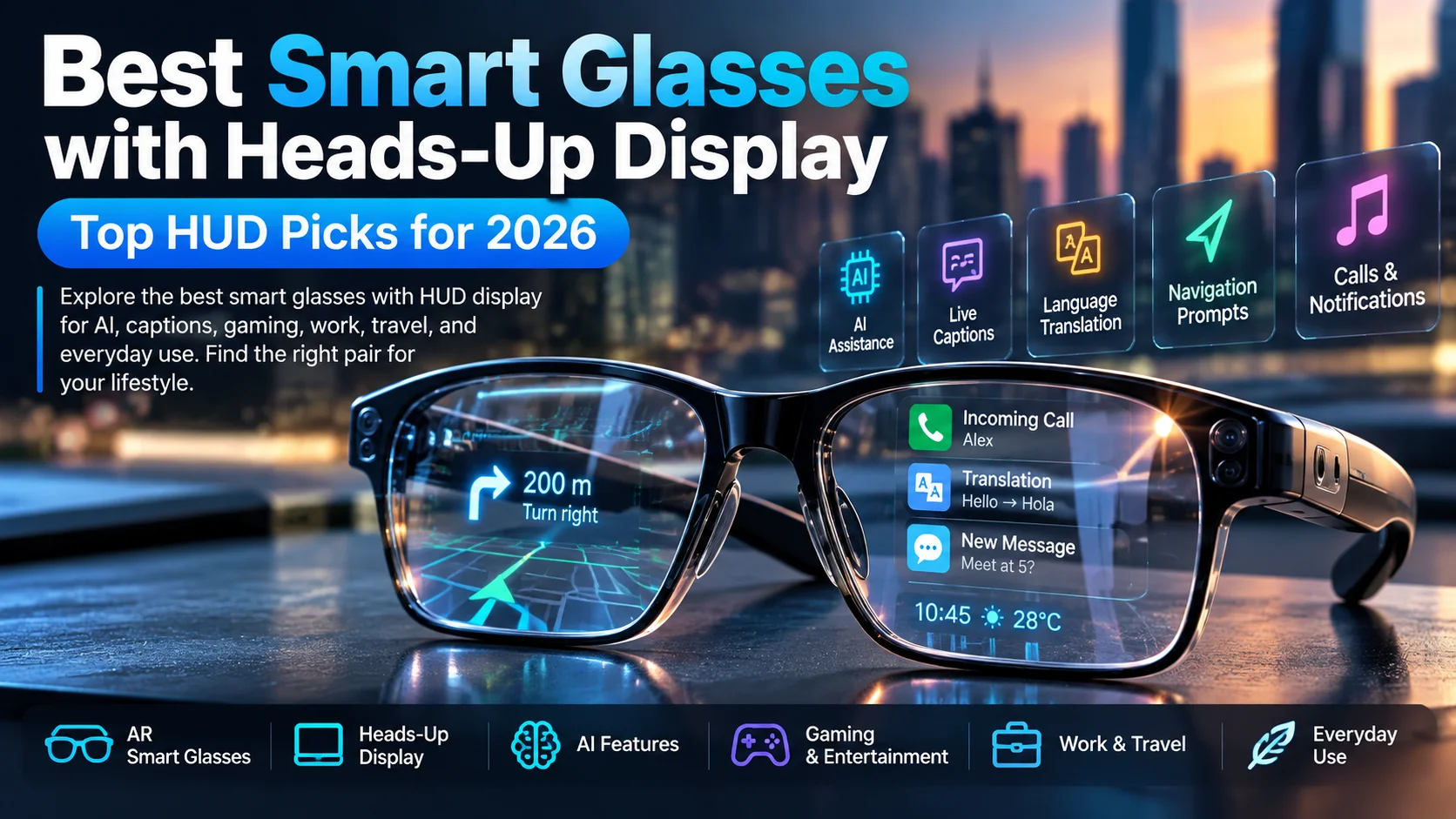
Smart glasses with HUD display are becoming more practical for everyday use, from navigation and live translation to AI assistance and private entertainment. The best models give you useful information without constantly pulling your attention back to your phone. In this guide, we compare seven smart glasses and display-focused models based on their display technology, comfort, AI features, battery life, and real-world use cases. If you’re comparing smart glasses with HUD display, the biggest differences come down to what you actually see, how clearly you see it, and how useful the display is in daily life.
However, the category splits into two tribes. Some glasses, such as Meta Ray-Ban Display and Even Realities G1, offer glanceable text, answers, reminders, navigation, or translations. Others, such as XREAL One Pro, VITURE Luma, and RayNeo Air 4 Pro, behave more like portable cinema screens. Your best choice depends on whether you want micro-OLED visuals, waveguide optics, real-time translation, or private entertainment.
Best Smart Glasses with HUD Display for Everyday Use
Everyday buyers should look for smart glasses with HUD display that feel comfortable and useful in public. Meta Ray-Ban Display stands out for in-lens visual responses, a 12 MP camera, neural-band gestures, video calling, and navigation cues in a familiar Ray-Ban shape. Rokid Glasses also deserve attention because they combine a dual-eye monochrome display, 12 MP camera, translation, captions, AI prompts, Snapdragon AR1, and 1500 nits brightness.
Still, quiet productivity fans may prefer Even Realities G1 because its minimalist display feels less theatrical and more like a clever note card floating ahead. Vuzix Z100 also fits workers, developers, and notification-heavy users with a 640 x 480 monochrome microLED waveguide, 30-degree field of view, right-eye display, and 2+ days of runtime. In plain English, a practical HUD should disappear until needed, then deliver calendar alerts, turn-by-turn prompts, message previews, and hands-free controls quickly.
| Pick | Best for | Display style | Why it matters |
| Meta Ray-Ban Display | Stylish AI HUD | Right-lens full-color display | Strong blend of AI, camera, gestures, and social features |
| Rokid Glasses | Translation and captions | Dual-eye monochrome Micro LED | Bright text, AI tools, camera, and lightweight design |
| Even Realities G1 | Minimal everyday notes | Discreet lens display | Clean reminders, teleprompter, navigation, and prescription support |
| Vuzix Z100 | Work and development | Monochrome microLED waveguide | Long runtime, SDK access, and low-distraction data |
| XREAL One Pro | Gaming and media | Dual micro-OLED spatial screen | Wide 57-degree FOV and immersive private display |
Best HUD Smart Glasses for Movies, Gaming, and Work
Screen-first shoppers should treat HUD eyewear as a wearable monitor category, not a tiny notification gadget. XREAL One Pro leads for immersive users because it lists a 57-degree FOV, Sony 0.55-inch Micro-OLED panels, 120 Hz refresh, Bose-tuned audio, and spatial-display hardware. That mix helps on planes, in dorm rooms, or beside a gaming handheld. You get virtual screen, spatial display, low latency, and wide field of view benefits without hauling a portable monitor.
Meanwhile, VITURE Luma and RayNeo Air 4 Pro appeal to people who want strong visuals at different budgets. VITURE promotes up to 1200p, up to 1500 nits, myopia adjustment, and Harman audio across its Luma line. RayNeo pushes a 201-inch HueView screen, HDR10, 10B+ colors, Vision 4000 processing, and 3D cinema features. Entertainment buyers should prioritize HDR support, 120Hz refresh rate, USB-C video, and comfortable nose weight.
Best Smart Glasses with HUD Display for AI, Captions, and Translation
Glanceable AI glasses matter most when they make small moments smoother. The Best smart glasses with heads-up display for travel can put translations, captions, directions, and prompts near your natural line of sight instead of burying them inside an app. Rokid’s page positions its display for subtitles, navigation, captions, and prompts rather than full-screen entertainment. Even G1 also focuses on practical overlay features such as teleprompter, translate, navigate, and AI assistant tools. For commuters and presenters, live captions, language translation, navigation prompts, and teleprompter mode beat flashy demos.

Even so, privacy and manners need equal space in the buying decision. Camera-equipped glasses can make bystanders uneasy, especially where recording expectations vary by country, office, classroom, or event. Meta notes a capture LED and warns users when that LED gets covered, which helps transparency. Still, you should choose devices with visible recording signals, clear app permissions, and sensible data controls. HUD eyewear should make you more capable, not socially clumsy. Good tech still needs privacy controls, recording indicators, data settings, and common courtesy.
Buying Checklist for HUD Smart Glasses
Before clicking buy, match the Best smart glasses with heads-up display to the job you actually need done. For short alerts and translation, choose waveguide or monochrome HUD glasses because they sip power and keep the outside world visible. For Netflix, Steam Deck, cloud gaming, coding, spreadsheets, or second-screen work, choose micro-OLED XR glasses with USB-C display support. Then check field of view, brightness nits, prescription lenses, and battery life. Small details decide whether the glasses become daily gear or drawer clutter.
Also, inspect fit like you would inspect shoes before a long walk. Weight, nose pads, temple pressure, heat, IPD range, and lens tint affect comfort after twenty minutes. Prescription users should confirm official lens partners or diopter adjustment limits before purchase. Outdoor users need brightness and dimming. Office users need subtle styling. Travelers need case battery quality and device compatibility. The right pair will feel like a helpful windshield for your day, not a peacock strapped to your face.
Are Smart Glasses with HUD Display Worth Buying in 2026?
Yes, smart glasses with HUD display are worth buying when the use case is specific. They’re excellent for hands-free navigation, discreet notifications, live captions, translation, teleprompter notes, and private media viewing. However, they’re not magic spectacles that replace every phone, laptop, or AR headset. Think of them as a focused companion. The strongest value appears when you frequently travel, present, commute, multitask, game, or need hands-free information, smart notifications, AI assistant features, and quick visual context.
However, don’t buy them just because the phrase sounds futuristic. A cyclist who needs glanceable directions wants different hardware than a gamer who wants a giant virtual display. A field worker needs long battery life and rugged workflows. A student may care about captions and focus. A movie lover wants color, refresh rate, and comfort. HUD glasses work best when they remove friction from a habit you already have, rather than inventing a problem for your wallet.
Which HUD Smart Glasses Are Best for Productivity?
For productivity, the strongest options depend on whether you need quick information or a larger virtual screen. HUD-focused models such as Vuzix Z100, Even G1, Rokid Glasses, and Meta Ray-Ban Display suit quick reminders, captions, translation, notes, and navigation.
For deep work, XREAL One Pro, VITURE Luma, and RayNeo Air 4 Pro make more sense because they create a private monitor. That helps when you work from hotels, airplanes, coffee shops, or small desks. Text clarity matters here; blurry edges ruin spreadsheets faster than a bad chair ruins posture. The Best smart glasses with heads-up display for productivity should match your workflow, then stay comfortable through a full session with sharp text, USB-C compatibility, spatial screen stability, and low eye strain.
Can Smart Glasses with HUD Display Replace a Phone?
Not yet. Smart glasses with HUD display can reduce phone checks, especially for directions, calls, AI answers, captions, reminders, and quick messages. They still usually need a paired phone, compatible app, internet connection, or USB-C source device. Meta’s display glasses, for example, require a compatible smartphone, Meta account, internet connection, and the Meta AI app for key connected features. That dependency isn’t a deal-breaker. It simply means these glasses act like a clever front window rather than the whole house.

They still usually need a paired phone, compatible app, internet connection, or USB-C source device. Meta’s display glasses, for example, require a compatible smartphone, Meta account, internet connection, and the Meta AI app for key connected features.
Instead of replacement, expect delegation. Let the glasses handle fast, contextual information while your phone handles typing, banking, app management, long browsing, and complex settings. This arrangement feels surprisingly natural once you stop reaching into your pocket for every small update. The Best smart glasses with heads-up display should shrink screen time through voice control, gesture control, visual alerts, and glanceable answers. The phone remains the engine, while the glasses become the dashboard.
Are HUD Smart Glasses Safe for Your Eyes and Privacy?
Eye comfort depends on display type, brightness, fit, session length, and how far the virtual image appears. Even Realities says G1 notifications project around two meters ahead and illuminate only needed pixels, which can reduce close-range fatigue. VITURE and XREAL focus more on high-brightness, high-refresh entertainment displays, so breaks matter during long sessions. Good HUD eyewear should offer adaptive brightness, comfortable optics, proper IPD fit, and sensible viewing habits. Your eyes like good ergonomics more than marketing fireworks.
Privacy deserves the same caution. Camera glasses can record from a person’s eye level, which makes consent and context important. Choose models with clear LEDs, audible cues, obvious controls, and transparent privacy settings. Avoid recording strangers in sensitive spaces such as hospitals, schools, gyms, offices, or private events. Even when local law allows public recording, etiquette still matters. These devices feel much easier to recommend when they respect consent, data privacy, recording awareness, and human comfort.
keep visiting thetekzio.


