
Why wolfbox g900 pro Is Getting Attention
Road safety tech has moved far beyond small windshield cameras with awkward screens. The wolfbox g900 pro stands out because it turns your rearview mirror into a wide digital display while recording the road ahead and behind your vehicle. For drivers who want cleaner visibility, stronger evidence after incidents, and a modern cabin upgrade, this mirror dash cam, 4K dash cam, rear view camera, and car security camera package feels practical rather than flashy.
What makes it especially interesting for The Tek Zio readers is its mix of premium imaging and everyday usefulness. The wolfbox g900 pro uses a front Sony STARVIS IMX678 sensor, a 12-inch display, app control, voice control, GPS playback, loop recording, and parking support with a hardwire kit. WOLFBOX also lists native 8MP front resolution and 512GB maximum storage support, which gives this smart rearview mirror serious long-drive potential. (WOLFBOX)
Design and Mirror-Style Display
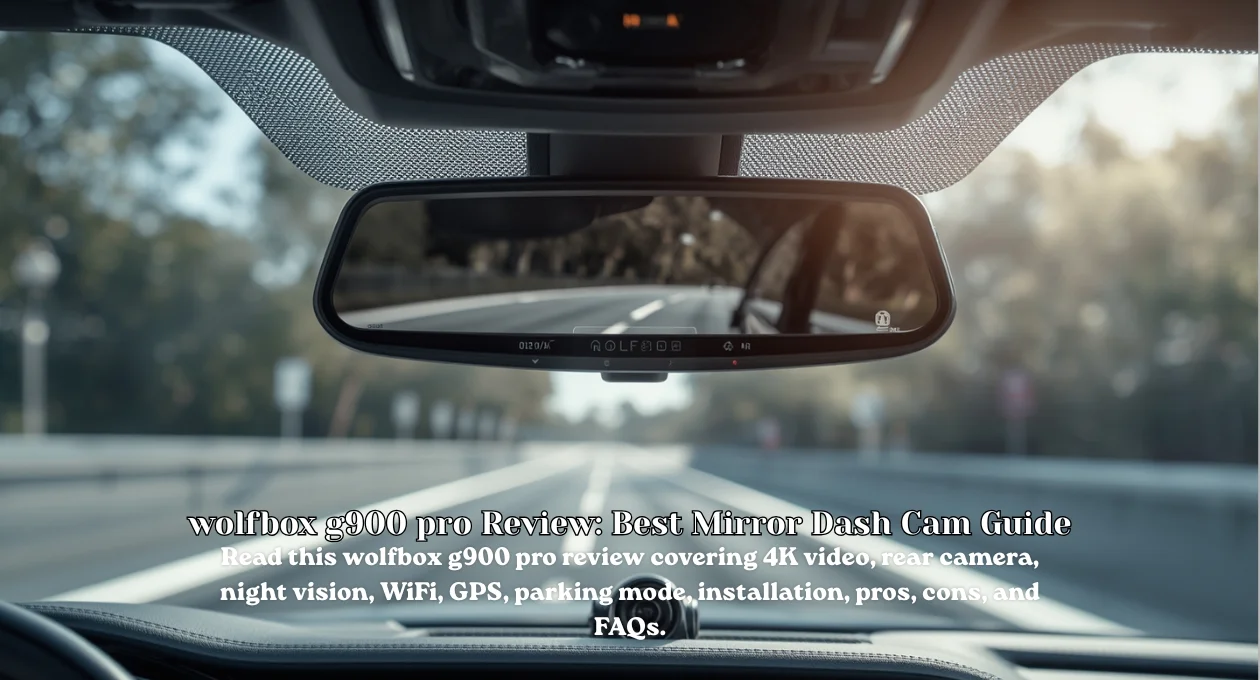
A normal dash cam records quietly in the corner, but the wolfbox g900 pro becomes part of your driving view. It straps over the existing rearview mirror and adds a touchscreen display that can show front video, rear video, or a split-screen layout. TechRadar describes it as a mirror-style dash cam that effectively replaces the central mirror view while streaming live camera feeds through the built-in display. (TechRadar)
That 12-inch screen matters more than it sounds. A wider mirror view can help drivers who deal with tall passengers, cargo, small rear windows, vans, SUVs, or tinted glass. WOLFBOX promotes the unit as a 12-inch IPS split-screen display, with a 170-degree front view and a 150-degree rear view for broad coverage. That gives this touchscreen dash cam, digital rearview mirror, wide-angle camera, and backup camera setup a real usability edge. (WOLFBOX)
Video Quality and Front Camera Performance
Sharp footage can become priceless when a license plate, traffic light, road sign, or sudden lane change matters. The wolfbox g900 pro records 4K video at 3840 x 2160 from the front camera at 30fps, according to TechRadar’s published specifications. The same review praised the camera’s front footage as excellent, detailed, accurate in color, and smooth enough to compete with strong action-camera-style recording. (TechRadar)
The front sensor gives the camera its strongest technical hook. WOLFBOX lists a Sony STARVIS IMX678 front CMOS, a 1/1.8-inch sensor size, native 8MP resolution, and 3D noise reduction. It also explains that 4K and 8MP describe the same basic image class because 3840 x 2160 equals about 8.29 million pixels. For shoppers comparing Sony STARVIS sensor, native 4K recording, license plate capture, and night vision dash cam features, that detail matters. (WOLFBOX)
Rear Camera, Parking Help, and Visibility
The rear camera makes the wolfbox g900 pro more useful than a front-only recorder. TechRadar lists rear recording at 2.5K, or 2560 x 1440, and notes that the weatherproof rear camera can be mounted to the bumper so it works as a reversing camera. That dual role is handy because one camera supports both driving evidence and everyday parking confidence. (TechRadar)

Rear visibility often feels like a guessing game in crowded parking lots. With the wolfbox g900 pro, the rear feed can appear on the mirror display, which helps when cargo, passengers, or poor rear glass visibility blocks your normal view. WOLFBOX also describes parking assistance, adjustable reversing help, loop recording, and rear-view support. That combination makes the rear dash cam, parking assistance, reverse camera, and blind spot visibility features feel genuinely driver-focused. (WOLFBOX)
WiFi, App Control, GPS, and Voice Features
Convenience can make or break a dash cam. The wolfbox g900 pro supports WiFi and app control, while TechRadar found that recordings transferred quickly through the Wolfbox smartphone app using 5GHz WiFi. WOLFBOX also says users can download the app, enable WiFi on the mirror dash cam, and manage recordings from a phone. That means fewer tiny-button struggles after an incident. (WOLFBOX)
Voice control adds another safety-friendly layer because you don’t want to poke menus while driving. WOLFBOX lists voice control support, GPS player support, fatigue driving alert, G-sensor support, and loop recording support for the G900Pro. TechRadar adds one important caveat: the GPS uses a plug-in antenna, not a fully integrated hidden module. So the 5GHz WiFi dash cam, GPS dash cam, voice control, and mobile app control features are strong, though installation neatness needs planning. (WOLFBOX)
Storage, Recording, and Parking Mode
A dash cam should record without making you babysit files like a nervous librarian. The wolfbox g900 pro supports loop recording, which automatically overwrites old footage so new trips don’t stop recording when storage fills. WOLFBOX lists maximum storage support up to 512GB, while TechRadar’s tested kit included a 128GB microSD card. That gives drivers a practical starting point and room to upgrade later. (WOLFBOX)
Parking mode adds value for people who leave vehicles in busy lots, apartment garages, city streets, or office spaces. TechRadar lists parking mode support when using a separately sold hardwiring kit. WOLFBOX also mentions battery protection through hardwiring, where the dash cam cuts power at 12V to help reduce excessive car-battery drain. These parking monitor, loop recording, G-sensor recording, and microSD storage features help the camera keep watch when you’re away. (WOLFBOX)
Installation and Vehicle Compatibility
Installation is where the wolfbox g900 pro needs extra attention. Unlike a tiny stick-on camera, this unit straps over your existing mirror, runs power from a 12V adapter, connects to a rear camera cable, and uses a separate GPS module. TechRadar found the setup fairly easy in concept, yet it also warned that cables and the external GPS antenna can create clutter if you don’t hide them carefully. (TechRadar)
Fit is the bigger concern. TechRadar tested the camera in two vehicles and found that some mirror assemblies can partially block the front camera view. That doesn’t make the product bad, but it does mean buyers should measure before ordering. The wolfbox g900 pro suits larger interiors, vans, SUVs, trucks, campers, and vehicles with poor rear visibility. For compact cars, check mirror clearance, front camera angle, rear cable routing, and GPS antenna placement first. (TechRadar)
Pros, Cons, and Real-World Driving Value
The biggest strength of the wolfbox g900 pro is how much it combines in one device. You get front and rear recording, a large mirror display, strong 4K front footage, 2.5K rear capture, app transfers, voice control, GPS data, loop recording, and optional parking monitoring. TechRadar’s review also praised its bright responsive display, high-quality video, and rear camera usefulness. For everyday drivers, that’s a strong dual dash cam value story. (TechRadar)
The drawbacks aren’t tiny, though. The installation can look messy without careful cable management, the separate GPS module feels less elegant than built-in GPS, and the unit may not fit every vehicle cleanly. It also lacks 4G connectivity and ongoing cloud features, though TechRadar notes that this means no subscription cost. The smart takeaway is simple: the wolfbox g900 pro is excellent if you want a mirror-style system, not if you want the smallest possible dash cam. (TechRadar)
Is wolfbox g900 pro Worth Buying?
The wolfbox g900 pro is worth buying if you want a premium mirror dash cam with strong video quality and real rear-view benefits. It makes special sense for truck owners, rideshare drivers, families, delivery drivers, road-trip lovers, van users, and anyone who wants better visibility while recording both ends of the vehicle. The lack of subscription costs also keeps long-term ownership simple compared with cloud-first dash cam systems. (TechRadar)

However, don’t buy blindly. Measure your existing mirror area, check whether the front camera will clear the mount, plan the rear camera cable path, and decide whether you want a hardwire kit for parking mode. The wolfbox g900 pro rewards careful installation. Once fitted properly, it can turn an ordinary rearview mirror into a sharper driving companion. For The Tek Zio readers who value practical car tech, this one deserves a serious look.
wolfbox g900 pro FAQs
Q1: Does the wolfbox g900 pro record in true 4K?
Yes, the front camera records 3840 x 2160 at 30fps, and WOLFBOX says its native 8MP front resolution matches the 4K image class.
Q2: Does it include a rear camera?
Yes, it includes a rear camera that records 2.5K and can also help with reversing.
Q3: Does it support parking mode?
Yes, parking mode works with a hardwiring kit sold separately.
Q4: Is the wolfbox g900 pro easy to install?
It’s manageable, but cable routing, rear camera placement, and the separate GPS antenna require patience.
Q5: Who should avoid it?
Drivers with very small cars, crowded mirror assemblies, or a strong preference for hidden windshield cameras may prefer a compact dash cam. The wolfbox g900 pro is best for users who genuinely want a mirror-style display, rear visibility, and dual-camera protection.
For More Information Keep Visiting TheTekZio.


